
Sometimes, I manage to shoot myself in the foot badly enough that I feel compelled to document it, mostly out of the hope that someone, someday, will find themselves in the same situation and may be sent here by a search engine.
Today is one of those times.
Let’s start with the background. About 20 years ago, I bought a Mac Mini and made an iTunes account. For this, I used a gmail address.
A few years later, I subscribed to Apple’s MobileMe service, which gave me an @me.com mail address. I haven’t been subscribed to that for a long time. I kinda wonder if it still exists out there? I know some people have legacy me.com addresses. But that’s not important.
What IS important is that Apple would not let me change the email address for my iTunes account to the @me.com address. I’ve never been entirely clear why, but the gist of things was that you could CREATE an iTunes account with an @me.com address, and you could change the email address of an iTunes account, but there was something about changing it, specifically, to the me.com domain.
Eventually, I got an @icloud.com address, and have moved the majority of my accounts over to that address. Part of this is because I’m not a huge fan of having my email on google servers, and part of it is because my iCloud email address is considerably shorter.
But I still couldn’t move my iTunes account over to icloud.com. By this time, it wasn’t an iTunes account any more and had become an AppleID. Apple Account. They’ve renamed it a couple times.
Then, quite recently, Apple did something on their side and made this possible. I had a moderate amount of trepidation about the whole thing, but finally went ahead with it last month, to great effect. As of now, the gmail address is still there but gets a tiny fraction of my daily email and I log in to all Apple services with the iCloud account.
Great success!
However.
See, I am one of those old people who still uses a mail client instead of web mail. Specifically, I use mail.app since it comes with every Mac and is decent enough. I’ve occasionally used Outlook, but it’s never seemed to be better enough to be worth having two mail clients installed.
AND, because I get a lot of mail that is not important enough to see in my inbox but not annoying enough to be really called spam, I have a bunch of mail rules in mail.app to send things to folders. I set these up ages ago and they are a great help in keeping my notification count down.
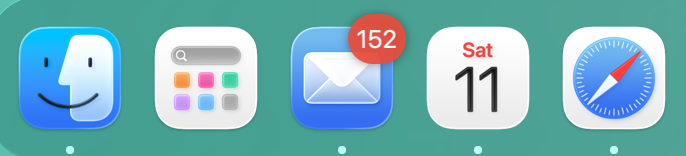
MOSTLY down. Look, 152 unread emails is nothing compared to what some of you animals have on your phone RIGHT NOW.
All of this is coming to a point, I promise you.
After I changed my Apple Account to use the iCloud address, these rules broke. I didn’t know the two things were connected, at first. It was just that I started seeing a lot of not-quite-spam in my inbox instead of in folders. Not enough to be annoying…
…until the most recent Prime Day sale, where I bought a bunch of junk that I probably don’t need, and suddenly realized that one specific class of emails I was NOT seeing was any emails from Amazon. They weren’t showing up in my inbox, and weren’t in the folder labeled Amazon.
So obviously, something had changed with my rules that was responsible for both the unwanted mails in my inbox AND the missing emails from Amazon. My next thought was to go into the email settings on my phone to fix the rules…
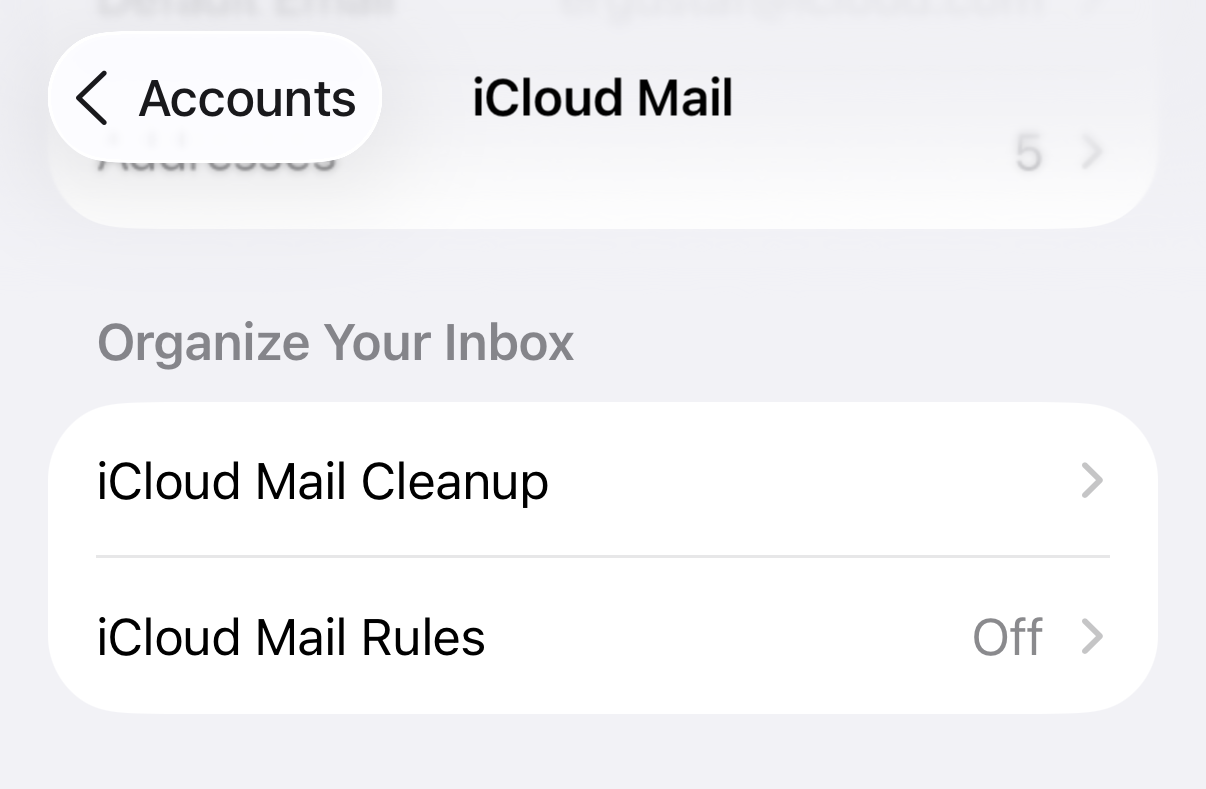
…this was not what I had expected to see. Suddenly I had no email rules? But I hadn’t deleted them. And, to make matters more confusing, I had recently (a) bought a new phone and (b) upgraded all of the Apple devices in the house to iOS 26 / iPadOS 26 / tvOS 26 / macOS 26 / watchOS 26 / did they make any more OS 26s? What do HomePods run? Whatever those run, if there’s a ’26 version they’re on it now.
So, not remembering that I had recently changed my Apple Account away from gmail, I spent quite a while falling down rabbit holes trying to figure out whether the OS update or the new device had broken things for me, where the heck my Amazon emails were, and – rather more critically – whether this was affecting anything else..
Eventually, I found an enormously-useful thread on Apple’s support forums, and things started falling into place.
See, Mac mail.app doesn’t USE iCloud’s mail rules. It uses its own, and they’re stored in a plist file in ~/Library/Mail/V10/MailData/SyncedRules.plist. And thankfully this is a human-readable plist file, because I was able to read it and see that all of the email rules were trying to send emails to a imap URI of imap://<my gmail address>/<mailbox name>
And that lead me to go looking in my gmail account, where I found that there was an Amazon folder – but the amazon emails weren’t in it. They were, instead, in gmail’s archived email.
I recreated all of my email rules, confirmed that the URIs in SyncedRules.plist now looked like imap://<my iCloud address>/<mailbox name>, and dragged all of the emails from the gmail archive back into my iCloud inbox. Where they were promptly sorted into my iCloud’s Amazon folder.
So what happened, as near as I can figure, is that new email was coming in that met criteria for “move this to a mailbox”. Most of the time, this was erroring out because there wasn’t, for example, a “Nextdoor” folder on my gmail account. Those emails landed in my inbox.
The Amazon emails were being processed because there WAS a folder for them in gmail… but they were being dropped in there with a To: address of my iCloud email, and gmail was moving them to archive because they weren’t addressed to a gmail account. The end result was, they appeared to disappear.
Also, quite surprisingly, mail.app can move email BETWEEN imap servers. I did not know this was possible. It looks like it does it with a copy-and-delete, but I’m not entirely sure. It fails when trying to move email back from gmail, though – rather than having only a single copy in iCloud, I got a duplicate and there is still a copy in gmail.
Oh, side note. iCloud’s mail rules are very rudimentary, and I wouldn’t recommend using them at all, but definitely DO NOT use them if you are also using mail.app rules. There is apparently a high chance of a Great Disagreement over which takes precedence.
 Baud Attitude