
A few days ago, I mentioned that one of the services I was adding to my home lab was game streaming, with me repurposing a 5700U-based micro PC as a Bazzite box.
Side note: Serious props to the Bazzite team for this video explaining how to install onto a Windows box while maintaining a small Windows partition for dual booting:
I had some trouble resizing the Windows disk, because there were all sorts of immovable files that wanted to prevent me shrinking the main partition, but eventually I got over that hump and managed to get the Windows partition down to 120GB, leaving the rest of a 500GB SSD open for my new Bazzite install.
Anyway. The 5700U APU doesn’t have a particularly beefy GPU, but it’s plenty for running… well, mostly games from the PS3 / Xbox 360 era. I played some Bioshock on it, and some Arkham City, and both were flawless. I then moved to streaming those to another computer and they were STILL flawless. Bazzite comes with the “Sunlight” half of the “Sunlight/Moonlight” game streaming software installed, and configuring it was like 2 minutes worth of going through menus and then needing to look up the port to get into the Web UI to authorize the Moonlight client running on my Mac.
For the record, it’s https://localhost:47990 – and, yes, the https is significant. I’m not sure why it mandates an encrypted connection, especially since it uses a self-signed certificate that makes web browsers freak out, but you gotta have the S in there.
With Sunlight in place, I disconnected it from its display and moved it into my closet, adding a simple HDMI dummy plug so it would think it still had a monitor. This is important, but also became a source of problems.
The first thing I noticed was that, while I had been using an old TV as my test monitor, which had a native resolution of 1366×768, the HDMI dummy plug was detected as a 1920×1080 monitor with a 120hz refresh rate – and this was a problem because the 5700U REALLY can’t run a modern – or even semi-modern – game at 1080p. Arkham City, for example, was barely able to break 30fps and something like Atelier Ryza was a slide show.
The obvious answer was to configure games to run at 720, sacrificing visual fidelity for performance, but this had its own problem:
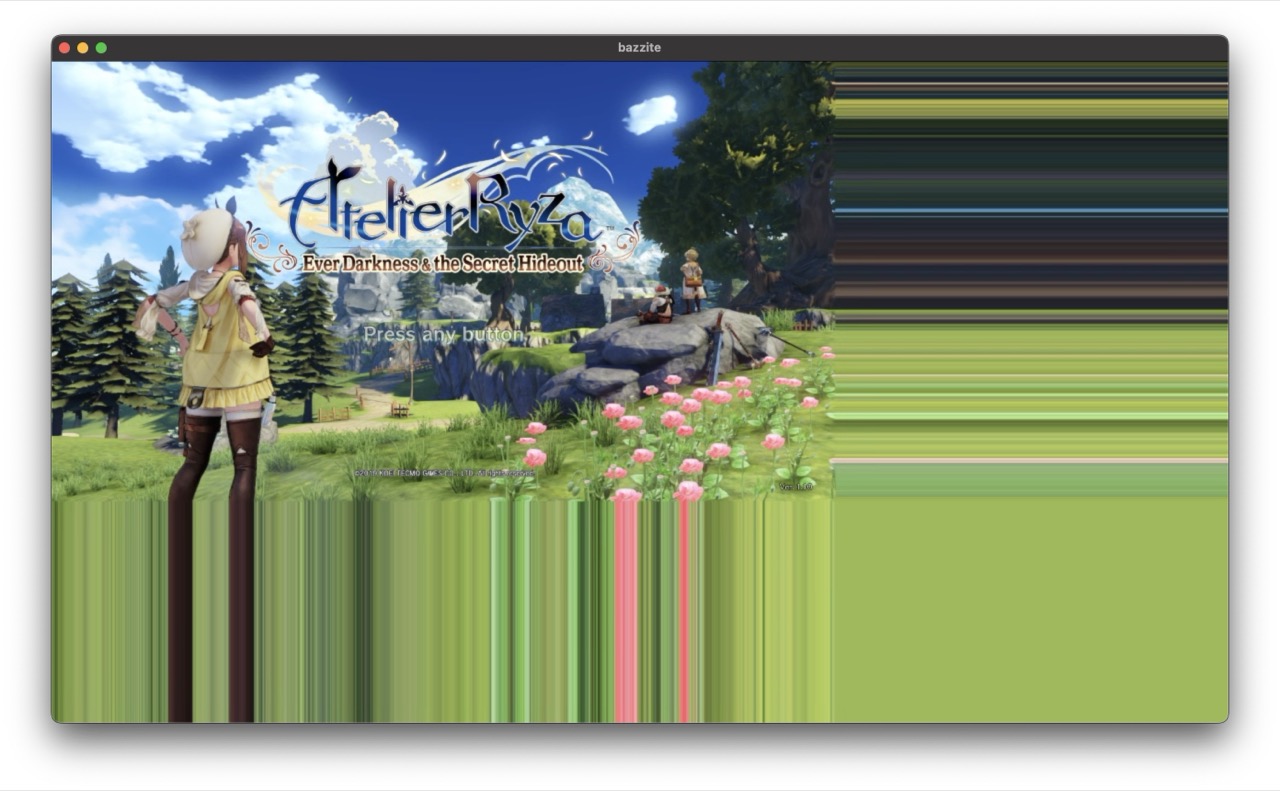
720P Ryza Fullscreen
…games would get shoved up into the top left corner of the screen, with the other three quadrants full of color banding as shown. Using Steam streaming rather than Moonlight wasn’t AS bad, but the game was still only in one corner of the screen. The other three quadrants were just black.
Doing some digging into the graphics settings for Ryza gave me a solution, though:
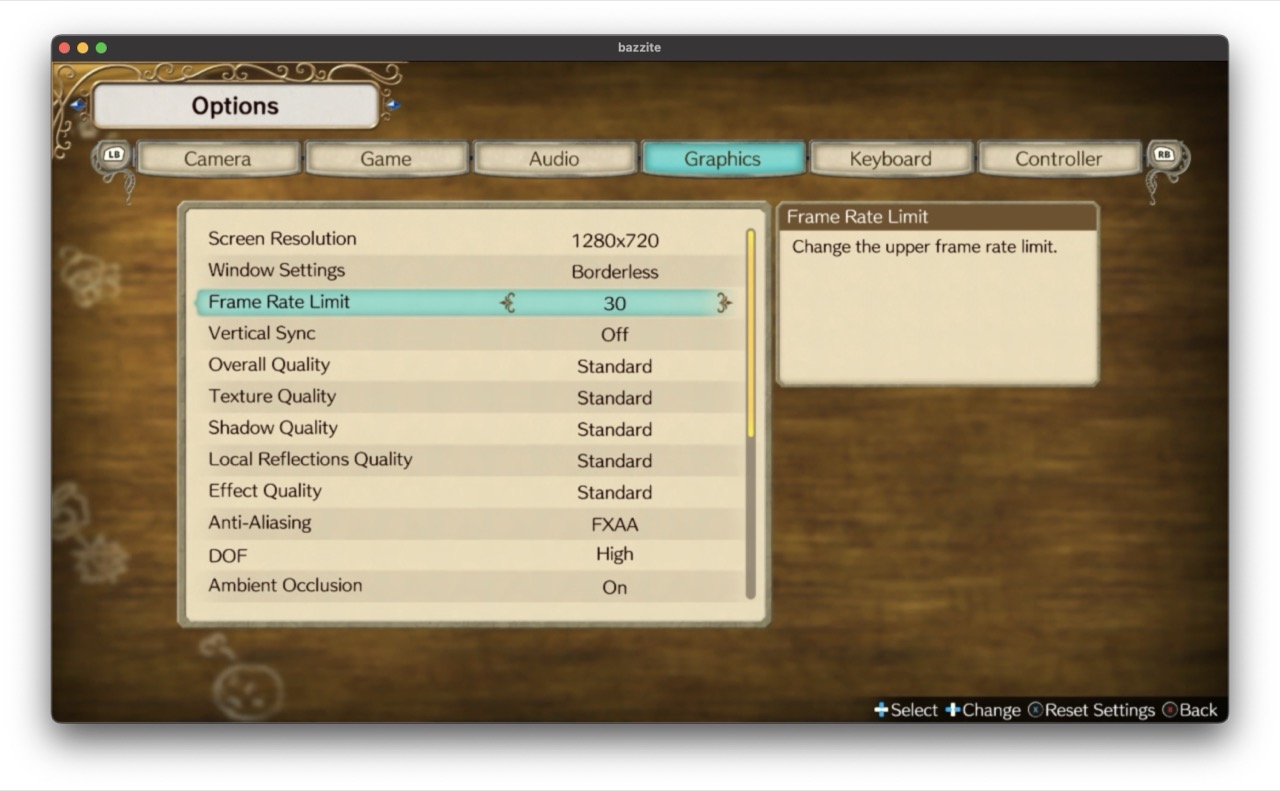
Ryza graphics settings
Configuring the game to run in Borderless mode got me a full-screen 720P image, and we were back on track:
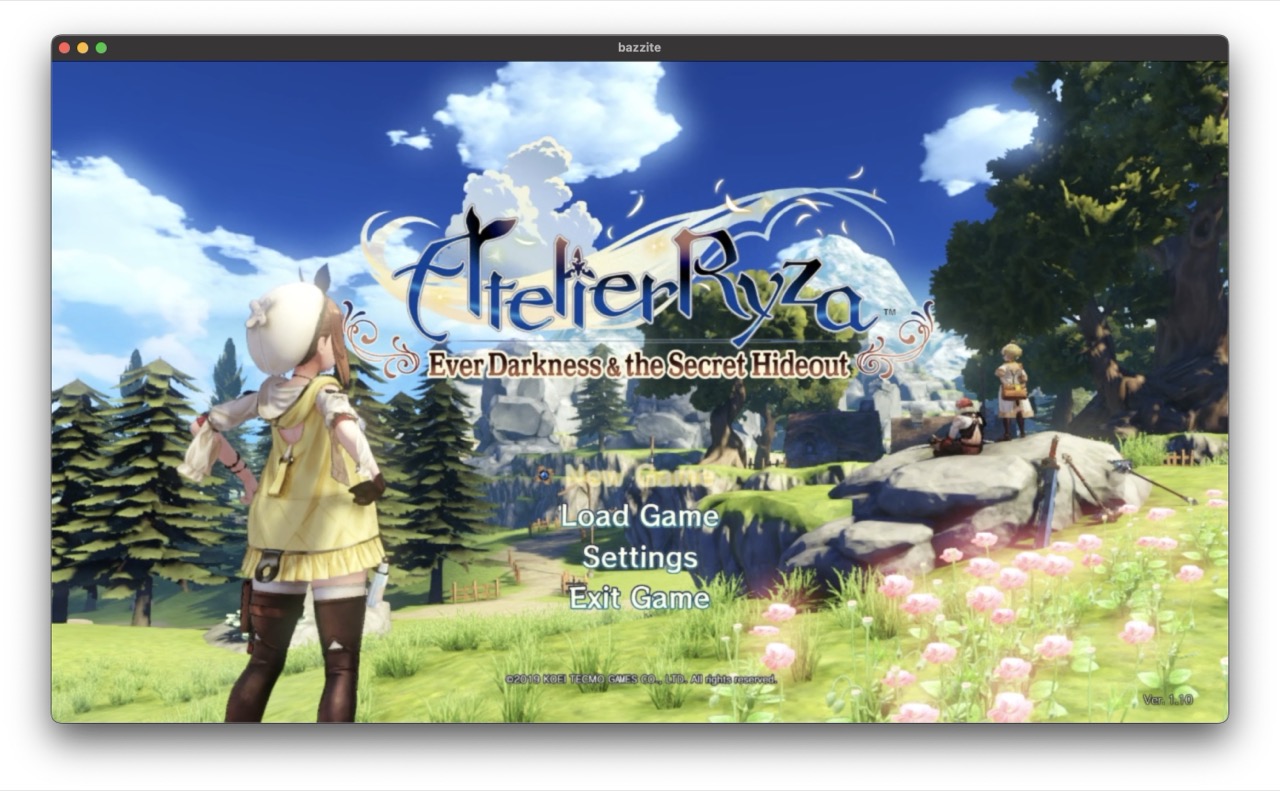
720P Ryza borderless
That was one problem solved, and then I hit the next one:

Shantae is a bit of a troublemaker
I’d used Shantae: 1/2 Genie Hero as one of my test cases for game streaming, because it’s a platform game and I find those to be very unforgiving when it comes to latency. Believe it or not, I was able to play it just fine over remote play… though admittedly with a wired network. I wouldn’t try it on wifi.
It even runs smoothly on the little Ryzen 5700U PC at 1080P! It is not a very demanding game, and it’s one of my favorite platformers. You do feel very squishy until you buy a few upgrades for your character, but that’s a pretty minor complaint.
It’s also, for some reason, a game where the game speed is tied to the refresh rate of your primary monitor. Remember when I said that my dummy HDMI plug identified itself as a 1920×1080 monitor with a 120hz refresh rate? Well, Shantae really wants to run at 60fps and if you give it a 120hz monitor it runs at double speed.
Which is, to put it simply, Hard Mode.
I didn’t realize this was what was happening at first, of course. No, first I spent several hours troubleshooting the streaming client. It wasn’t until I found a thread on the GoG forums talking about the issue that I realized that it was a problem with this specific game – and despite my best efforts to tell Bazzite to run at 60hz, the game saw that 120hz monitor and ran with it.
Eventually, the solution was to buy a different dummy monitor dongle, one that advertises itself to the system as a 1080p 60Hz monitor. Fortunately these things are like five bucks.
Long-term, I plan to move Bazzite to a VM hosted on my Proxmox box, and I’ll give it a real GPU to use at that time. That should considerably improve the visuals by opening up the option of 1080P gaming.
The only quirk I’m still dealing with is that I can’t open the Steam Overlay while I’m in a game. Like, if I press the Xbox button on my controller I hear the SOUND of the Steam Overlay opening, and I hear navigation sounds from the Steam Overlay when I move the thumbstick, but I have no idea what I’m highlighting.
Still… progress! Very solid progress, too.
 Baud Attitude